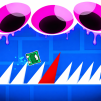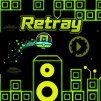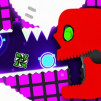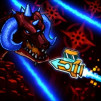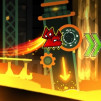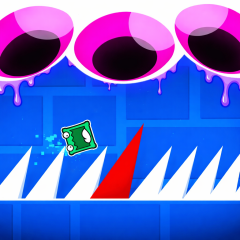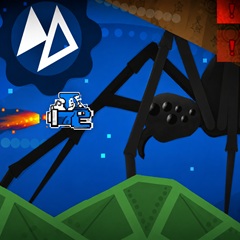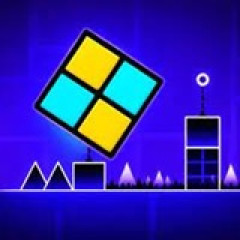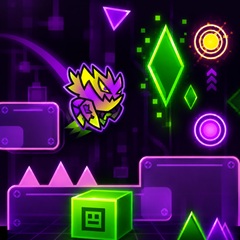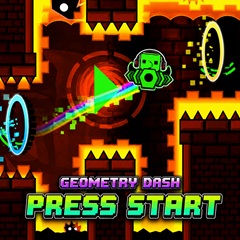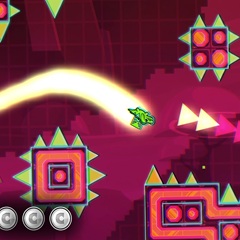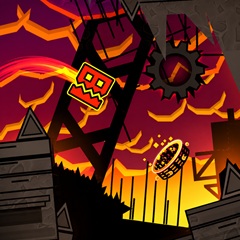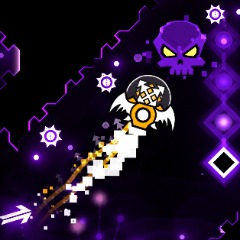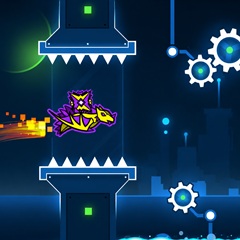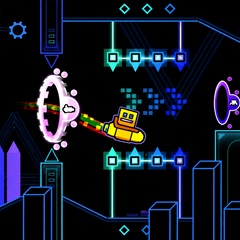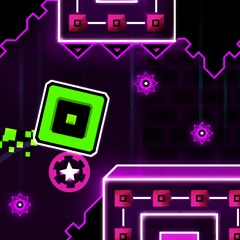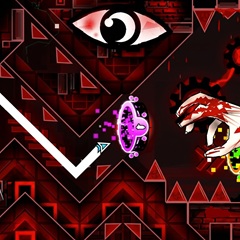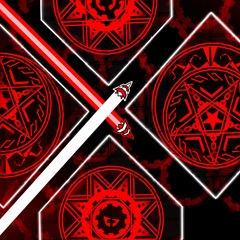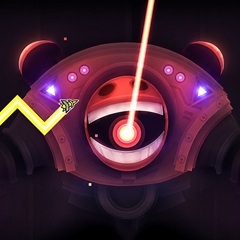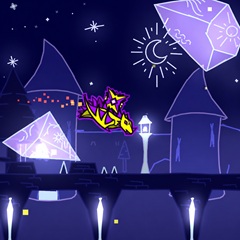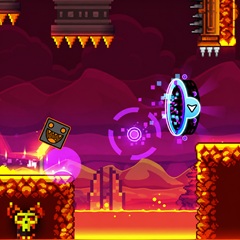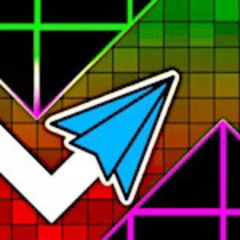
Geometry Platformer is a fast-paced game where precision is key. Guide your cube through neon-lit levels, dodging spikes and gravity shifts to reach victory.
Instead of tapping the screen to navigate the cube through obstacles like other Geometry Dash games, in Geometry Platformer, you use the arrow keys to control the cube, as follows:
Instead of a background with eye-catching neon graphics, in this game you will control the cube in complete darkness. This creates a significant challenge for you while playing. The guiding light only shines around the cube with a weak beam, but enough for you to see the path as you move. Control the cube slowly and don't be too hasty, otherwise you will hit an obstacle, and you will have to start over from the beginning.
There are a variety of controllable objects you can choose to play with, not just a cube. The controllable object can be a ball, a ship, a robot, etc. Not only can you choose the object to play with, but you can also customize the color to your liking with 3 main color layers.
However, some objects will be locked; use the coins or diamonds earned while playing to unlock them. Each item will have a different price. If you use diamonds to unlock an item, in addition to the eye-catching design, you will also get to admire very attractive and captivating effects when the object moves.
| Feature | Geometry Platformer | Geometry Vibes |
|---|---|---|
| Movement Patterns | Movement in a straight line, without changing shape. | Movement in a wave pattern with rhythmic up and down motion. |
| How to control | Press the arrow keys or other keys to move back and forth or jump. | Click on the screen for the item to move and avoid obstacles while playing. |
| Game Modes | Level mode: You must complete each level and achieve the objectives. | Classic, Endless, and Race modes; including both single-player and multiplayer. |
| Difficulty Level | It gradually increases from easy to difficult, but each level can be repeated multiple times. | The difficulty increases progressively in Endless Mode, but it can be adjusted in other game modes. |
| Key Features | Fast-paced gameplay, with sudden challenges from spikes, traps, and gravity. | Unique wave-based gameplay, combining rhythm and reflexes, with creative graphics and music-driven gameplay. |