Slope Ball
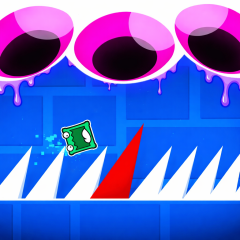
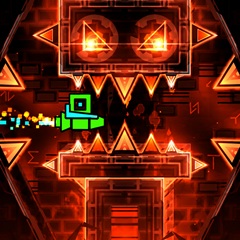
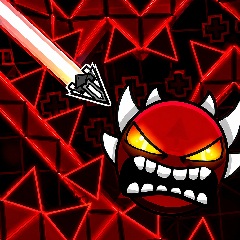
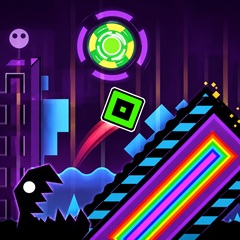
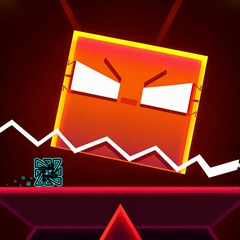
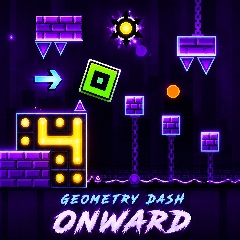
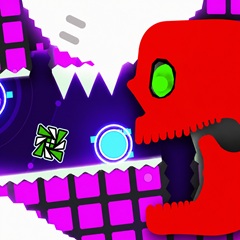
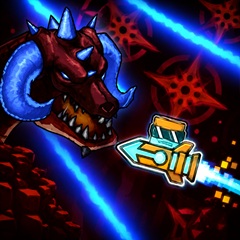
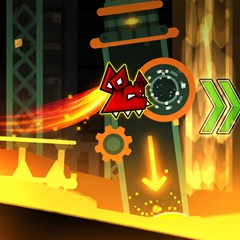

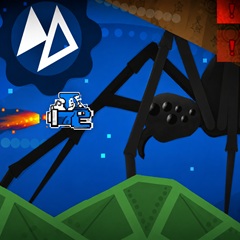
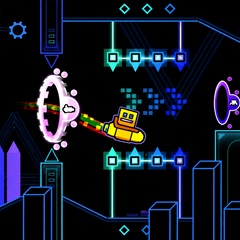
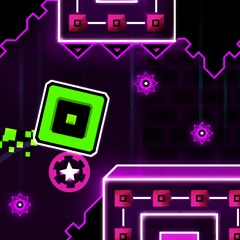
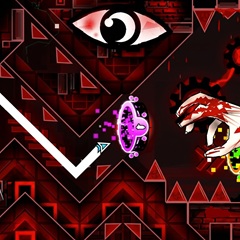
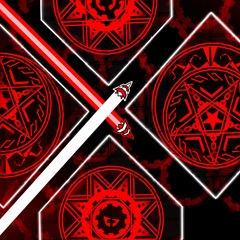
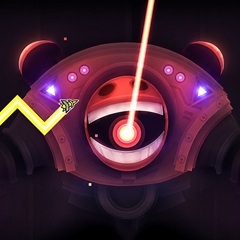
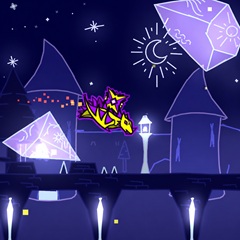
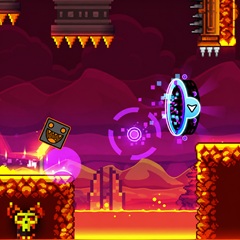
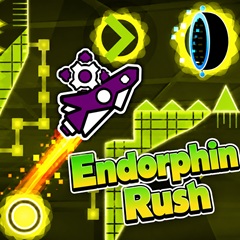
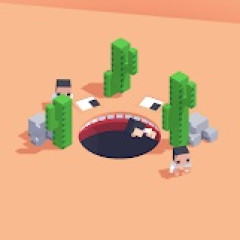

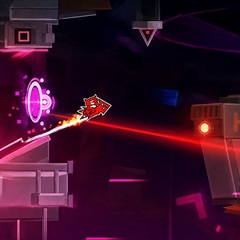
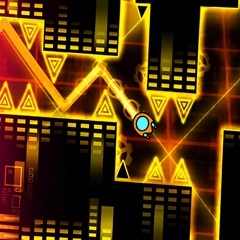


Slope Ball is an addictive online rolling game where your main character is a ball that moves forward automatically. Your goal is simple but challenging: avoid dangerous spikes and obstacles by jumping at the right time.
How to Play Slope Ball
The gameplay is easy to understand, making it perfect for both beginners and casual gamers.
Jump at the Right Time
Spikes are placed randomly, so precise timing is essential. Click the left mouse button or tap the screen when the ball is about 1 cm away from a spike to jump. Each jump directly affects your success in each level. Replaying levels can help improve your reflexes and muscle memory.
Use Springs and Hooks
Along the path, you'll find springs and hooks. These tools help the ball jump higher or farther, but sometimes they can act as traps, so always pay attention before using them.
Personal Experience Playing Slope Ball
The first attempts are usually tough. I could only jump over the first spike, hitting the second immediately. But the game’s addictive nature pushed me to try again.
After multiple failures, I learned the timing of jumps and how to observe the entire path rather than just the ball. Persistence allowed me to clear early levels, and continuous practice is key to mastering the harder stages.
Hidden Features You Might Not Know
Many players enjoy Slope Ball without realizing all its unique features. Knowing them can make the game even more fun.
Different Stages
Slope Ball has three main stages: Xpart, Truth, and Dark Trip. Start with Xpart and unlock the other stages as you progress. Each stage contains levels ranging from easy to extremely challenging.
Difficulty Levels
You can adjust the difficulty for each level according to your skill:
Easy: Perfect for beginners.
Hard: For intermediate players.
Insane: Only for the most experienced gamers.
Higher difficulty levels increase the ball’s speed, adding more excitement and challenge.
Change the Skins
Customize your character by clicking “Change Player” in the top-right corner. Each character has unique designs and funny jumping expressions. Best of all, all skins are available from the start—no unlocks required.