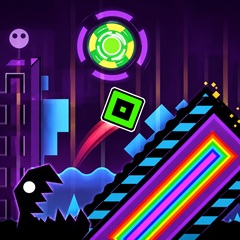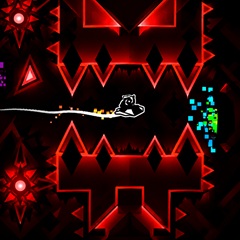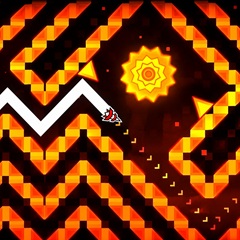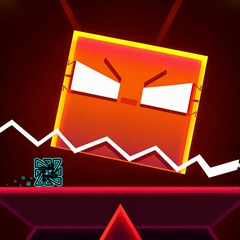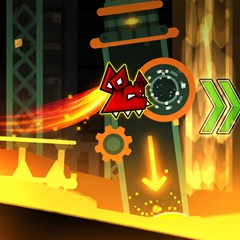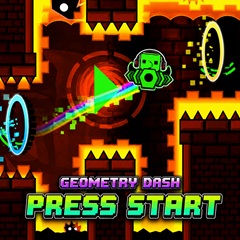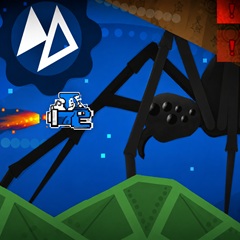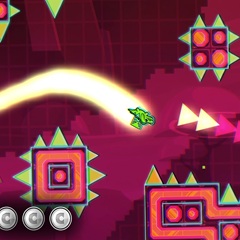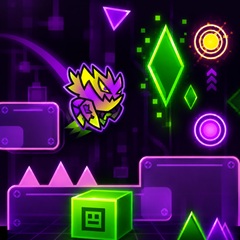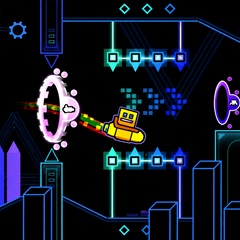
Geometry Dash Ship delivers a high speed flight as the spacecraft moves with the music. Hold to ascend, release to descend, and weave through obstacles.
The Ship mode transforms the classic rhythm challenge into a smooth, soaring adventure. Instead of jumping, you pilot a small spacecraft through narrow corridors, with the music guiding your every movement. Despite sharing a rhythm-based gameplay style, the "Ship" mode in Geometry Dash and the mechanic found in the Geometry Vibes level both involve wave-like movement to navigate narrow gaps and rapidly moving obstacles.
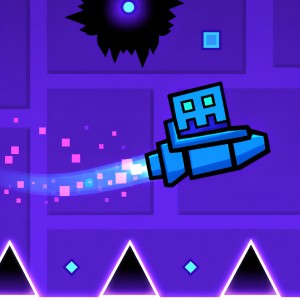
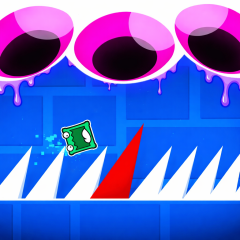
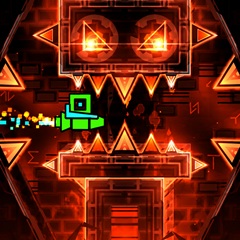
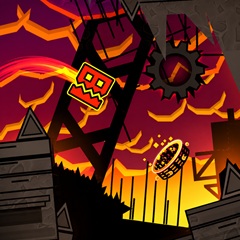
The ship soaring while dodging spikes and saw blades
Practice makes the controls feel more natural. Focus on small, gentle inputs rather than abrupt movements your piloting skills will improve quickly.
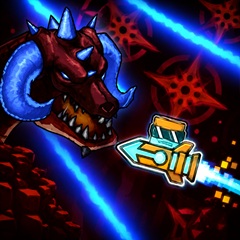
The Ship is a compact, rocket-shaped vehicle with your cube icon housed in the cockpit. It tilts upward when you hold and downward when you release, providing instant visual feedback. A brilliant trail of light follows the Ship, making it easy to track your flight path.
You can fully customize your spaceship's design, primary and secondary colors, and glow effects. Unlocking new icons is a fun way to personalize each run and showcase your progress.
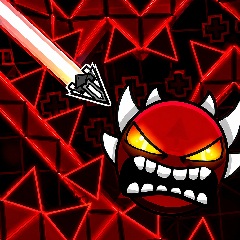
Spikes are the most common hazard. They appear on floors, ceilings, and inside blocks. Colliding with spikes ends the run immediately, so precise altitude control is essential.
Solid blocks form narrow passages, staircases, and zigzagging tunnels. These sections test your ability to make minute adjustments while maintaining a steady speed. Even a slight error often leads to a crash.
Spinning saw blades sit directly in your flight path. Some are small and easy to dodge, while larger ones dominate much of the screen and require careful timing.
Portals alter the gameplay in surprising ways. Gravity portals flip controls, speed portals adjust the pace, and size portals shrink or enlarge your ship. Jump pads and orbs may also appear, providing unexpected bursts of momentum.
The Ship mode demands patience, sharp reflexes, and a good sense of rhythm. Memorize the movement patterns, stay calm, and every attempt will bring you closer to a perfect run.