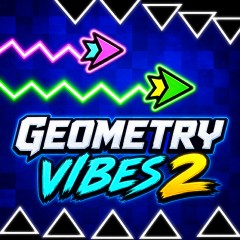
Master the wave in Geometry Vibes 2 and glide past spikes, walls, and traps. Tap, hold, and glide through danger on desktop or mobile today.
Discover this free online arcade game where you control a glowing arrow navigating through perilous neon tunnels. You can play directly in your browser no download required. The controls are simple yet challenging every run demands absolute precision in timing and reflexes.
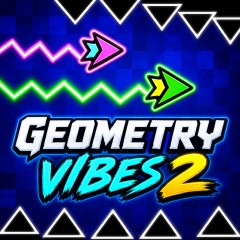
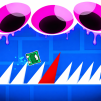
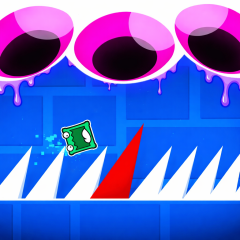
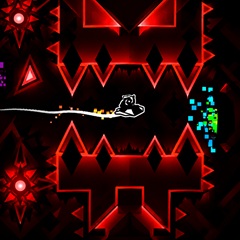
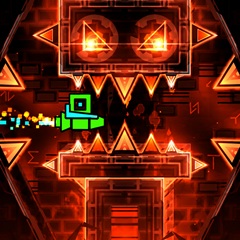
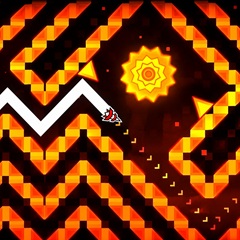
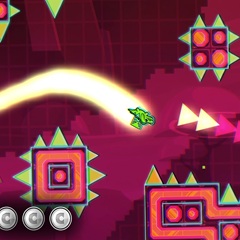
A colorful arrow weaving through sharp spikes
The sequel retains the one-button "wave" control mechanic that fans love but offers more ways to play. Here is a quick comparison.
| Feature | Geometry Vibes | Geometry Vibes 2 |
|---|---|---|
| Game Modes | Fewer options | Four modes to choose from |
| Obstacles | Simple wave patterns | More varied tunnels and traps |
| Multiplayer | Basic or limited | Dedicated Multiplayer and Race modes |
| Endless Play | Limited | Full Infinity mode |
| Replay Value | Moderate | High |
Geometry Vibes 2 offers four game modes, allowing you to flexibly switch between getting familiar with the game, practicing, and competing.
Classic Mode is the perfect starting point. You will navigate through well-designed levels that help you master spacing and timing. Each level is slightly more difficult than the last, allowing you to easily track your progress. If you are a beginner, this is the mode to choose.
Infinity Mode has no finish line. The track goes on forever, the pressure mounts, and your goal is to beat your own distance record. It is the ideal mode for honing your reflexes and chasing high scores.
Play with friends on the same device, with each player controlling their own arrow. Perfect for quick matches and friendly competitions.
Race Mode turns the game into a head-to-head showdown. Players start simultaneously, and the first to cross the finish line without hitting obstacles wins. A single careless touch can change the outcome, so every second counts. Meet the main characters
Your character is a small, sharp arrow with a glowing trail that follows every movement. Its simple shape allows you to confidently judge distances, while the trail marks your path and adds a stylish touch. The arrow always stands out against the colorful, dark background.
Is Geometry Vibes 2 free?
Yes. You can play Geometry Vibes 2 online for free in your browser without downloading anything.
How many game modes does Geometry Vibes 2 have?
There are four modes: Classic, Infinity, Multiplayer, and Race.
Can I play with friends?
Yes. Multiplayer and Race modes allow you to compete against your friends.
How can you achieve a higher score?
Stay calm, use short taps in tight spots, keep an eye on the path ahead, and practice difficult sections until you have mastered the movements.